








If you take lots of photos on your phone, a photo organizer app is essential. For anyone involved in content creation in NYC, from professional photographers to social media enthusiasts, these apps provide a safe place to store your photos in the cloud, protecting your memories if your device is lost or broken. More importantly, a good organizer app helps you manage your images, making them easy to tag, group, and find.
Since almost everyone takes photos with their phone, nearly anyone can benefit from using one. Beyond just keeping your daily snaps safe, the best photo organizer apps make it easier to find a specific shot, like one of your friend’s dogs in Central Park last year or a gallery from your trip to SoHo.
Many use advanced machine learning to automatically tag your images, so you can find pictures simply by searching for a keyword. Most also include built-in editing tools and social sharing features, making them a one-stop shop for your smartphone photography needs.
We’ve tested each option in our list, so you can be sure that whichever app you choose comes highly recommended.
Apple Photos (iCloud)
Just as Android has Google Photos, iOS has Apple Photos, which has become more advanced with each iOS release.
There are plenty of organizing options, including the ability to browse by people, places, or date, and to create custom albums. The Media Types option groups content into images and videos and further divides them into categories like Portrait Mode and screenshots.
A lot of AI works behind the scenes, allowing iOS to identify and group people, places, animals, outdoor locations, and even plants. The Memories feature alone is a highlight, surfacing images and galleries for specific dates, people, or places, like your weekend stroll through the West Village.
Fully integrated with the iOS ecosystem, sharing in Messages and other apps is seamless. It also includes plenty of editing tools and uses iCloud for cloud storage.
Google Photos
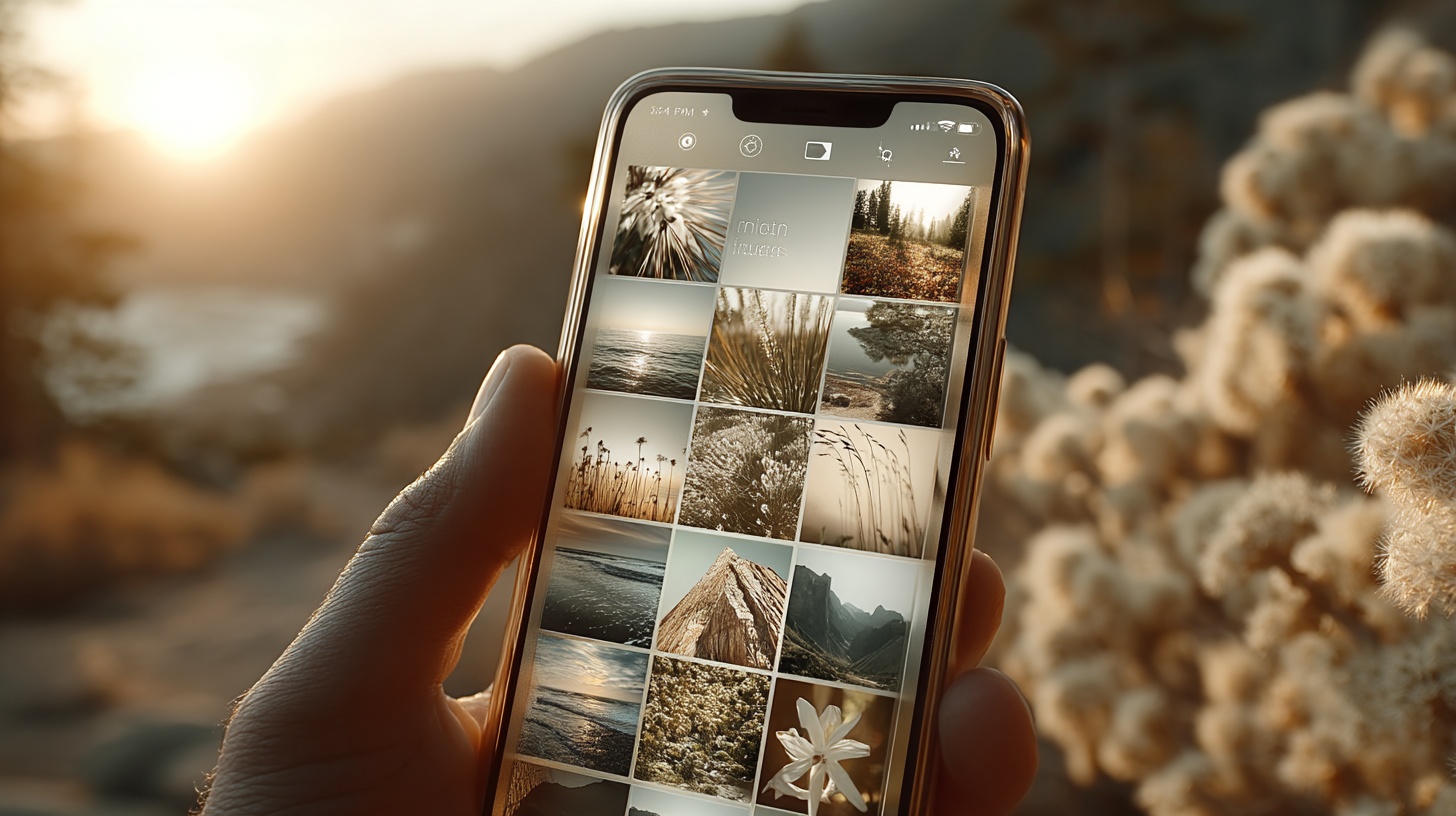
Google Photos is the go-to photo manager for Android users (but iOS users can get it too) and comes packed with awesome features. You get 15GB of free storage—way more than Apple Photos’ 5GB.
Just like Apple Photos uses iCloud, Google Photos uses Google One for storage, letting you sync across devices with barely any compression. If you want, you can also save original-quality photos in your Drive space. Plus, the app can automatically back up and sync your photos, so you don’t have to stress about losing them.
The smart assistant is super handy — it can create albums, collages, and even fun animations for you. The “visual search” is a game-changer too. You can type “Brooklyn Bridge” or “cat,” and it’ll instantly show you the right photos — even if they’re not tagged. It also groups photos of the same person, so finding pics of someone specific is a breeze.
Amazon Photos
Amazon Photos used to be a perk for Prime members, but now it’s available to everyone. That said, if you’re not a Prime member, the free 5GB of storage might feel a bit tight.
For Prime members, though, it’s a no-brainer. You get unlimited full-resolution photo storage and 5GB for videos, which is perfect for photographers with big, high-quality files.
The app automatically syncs your photos, so you can access them on any device (both iOS and Android). It’s packed with organization tools and an AI-powered search to help you find photos fast. You can also use the Family Vault feature to share your unlimited photo storage with up to five family members — it’s a nice touch.
Flickr Pro
Flickr is a one-stop shop for storing, organizing, and sharing photos, especially for photography lovers. Along with being a great storage option, it connects you with a community of photographers to get feedback and inspiration.
The free version lets you store up to 1,000 full-resolution photos but comes with ads. If you’re serious about photography, Flickr Pro might be worth it. You get unlimited full-resolution storage, no ads, and can even upload videos up to 10 minutes long.
Flickr Pro makes life easier with automatic uploads and smart search, so you don’t have to manually tag everything. Your photos are automatically grouped by date in the Camera Roll, and you can easily share your work or follow other photographers. Plus, the Pro plan includes a stats dashboard to track how your photos are performing.